
Merge multiple PDFs
- Open Simplefax. In Finder, hold ⌘ as you click each PDF you want to send, then drag them all into the Simplefax window.
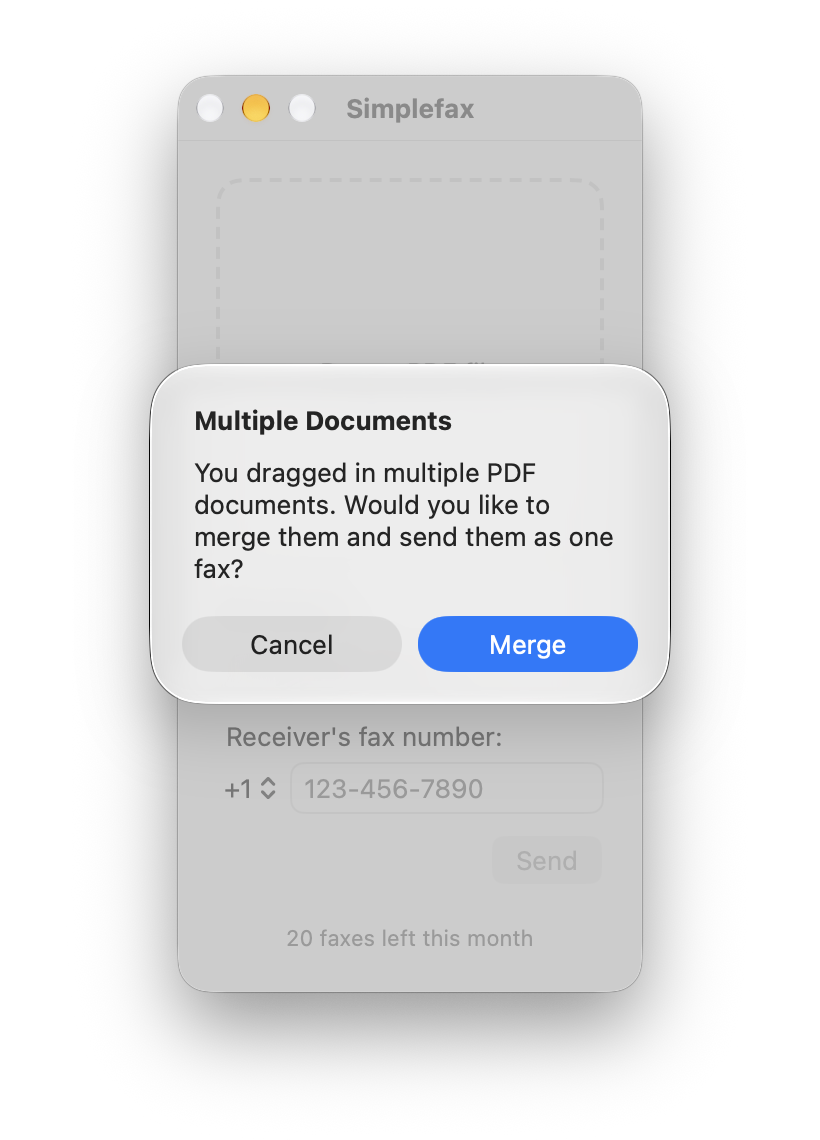
- Simplefax will prompt you to merge the PDFs so you can send them as one fax. Click Merge in the Multiple Documents dialog.
- Make sure the PDFs add up to 20 pages or fewer.
- Enter your email address in My email. Under Receiver’s fax number, choose the country code and type the rest of the number. Click Send.
 Download on the App Store