
Send a PDF as a fax
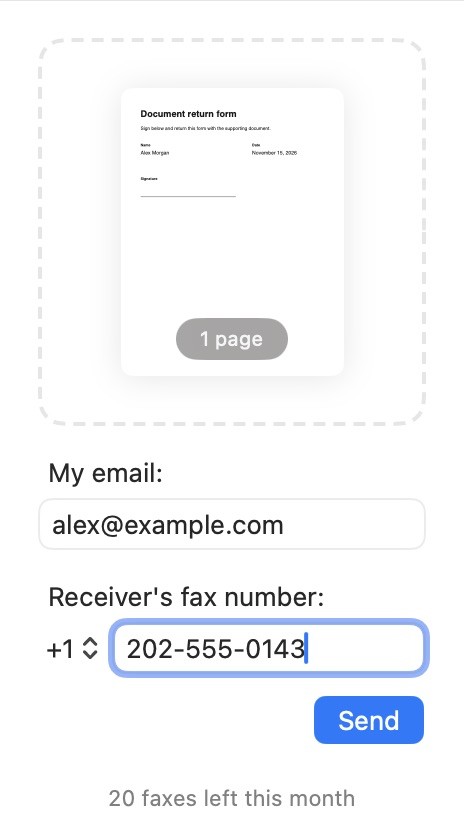
- Open Simplefax and drop your PDF into the window. You can also choose File → Open… or press ⌘O.
- Enter your email address in My email. That’s where Simplefax will send the delivery update.
- Choose the country code, then type the rest of the number in Receiver’s fax number.
- Check the page count and fax number, then click Send.
Delivery can take up to 15 minutes. You can check the Fax Log while you wait.
 Download on the App Store