Paste a LaTeX equation into Keynote
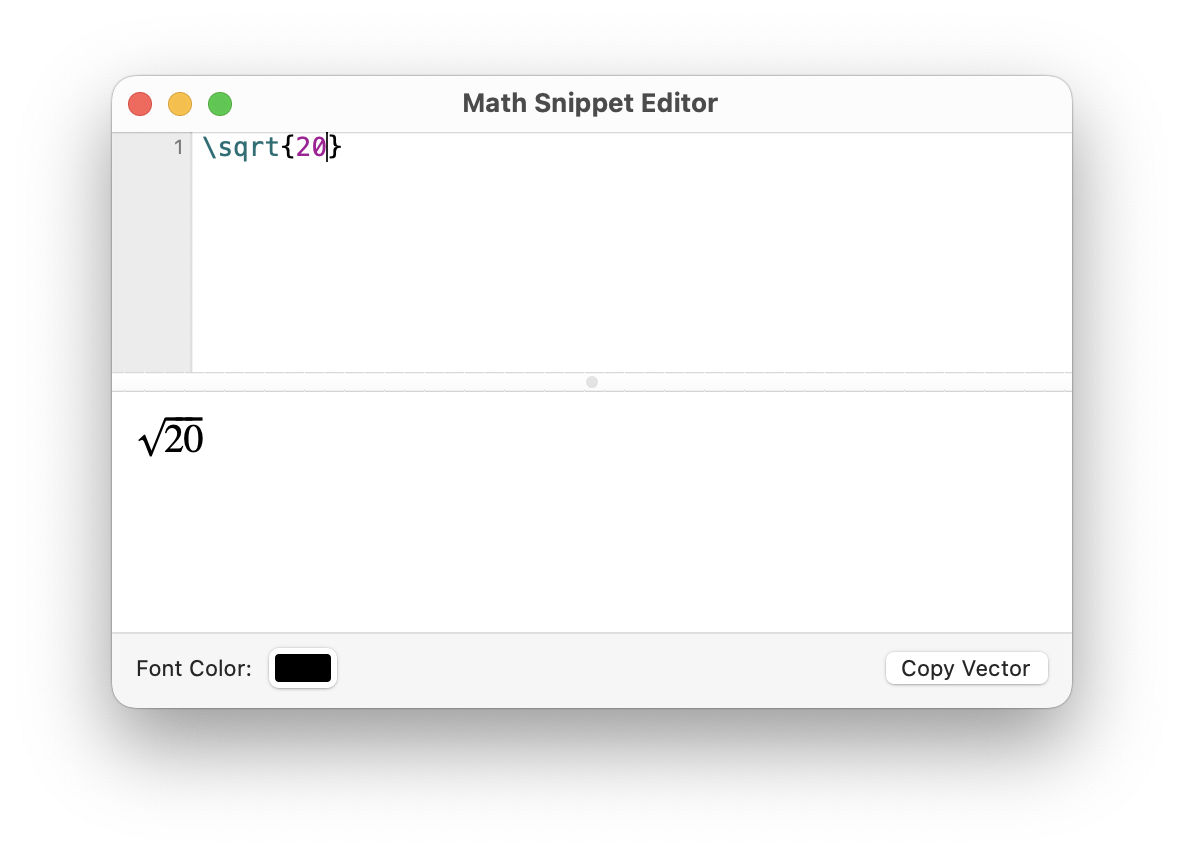
The Math Snippet Editor is a small window for writing and previewing a single equation. With Archimedes, you can copy the equation as a vector graphic so it stays sharp at any size on the slide.
- In Archimedes, choose Window → Math Snippet Editor.
- Paste the example below into the top half of the window. The square root appears in the preview. If you’re pasting your own LaTeX, leave out any surrounding dollar signs.
- Click Copy Vector. In Keynote, select the slide and press ⌘V to paste the equation.
\sqrt{20}