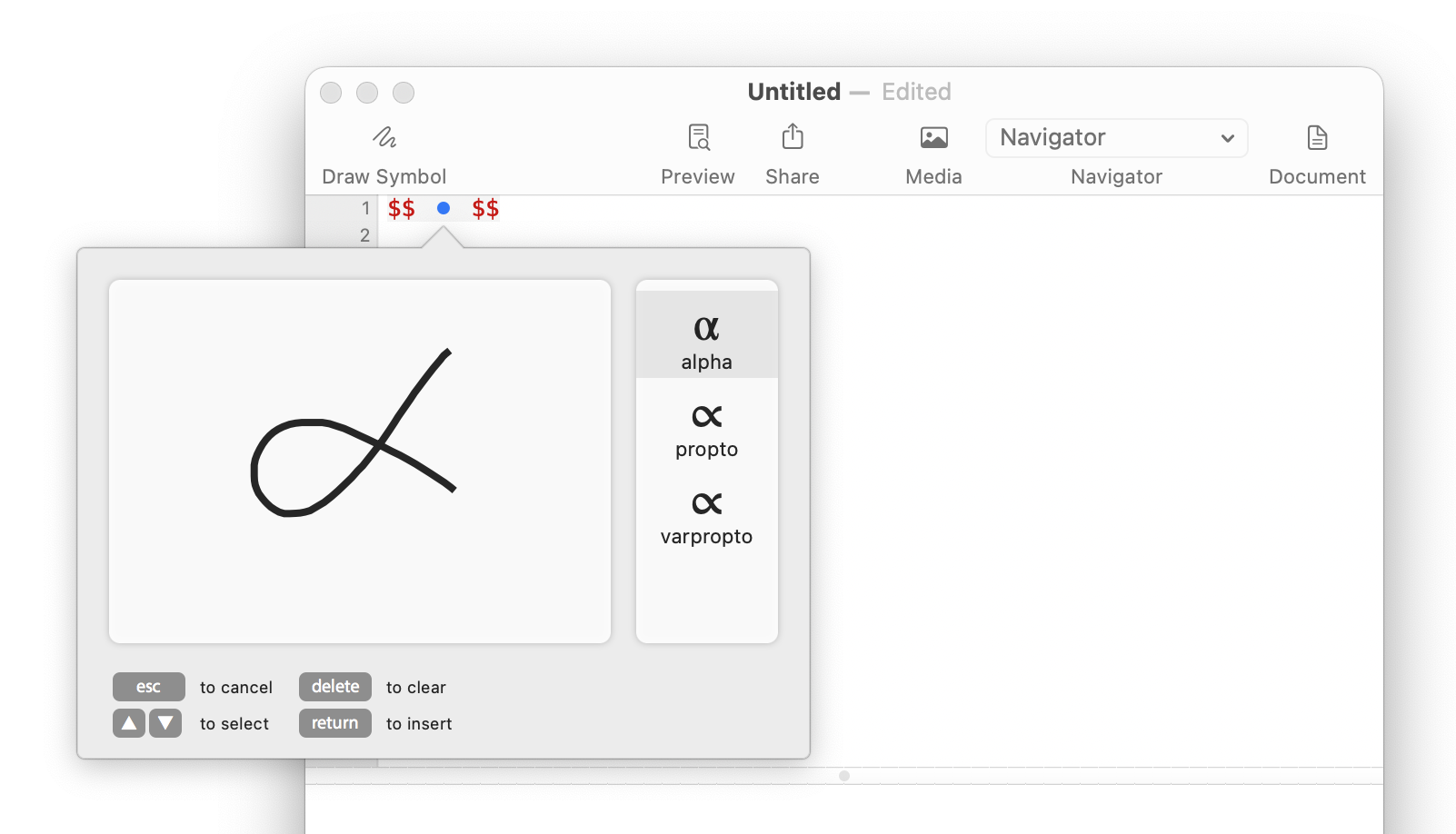
Draw a math symbol on your trackpad
When you know what a symbol looks like but can’t remember its LaTeX command, try drawing it. Start with a lowercase alpha (α) on a MacBook trackpad or Magic Trackpad.
- In Archimedes, open a document or choose File → New. Put the cursor between the
$$markers of an equation, or choose Text → Insert → Math to start one. - Choose Edit → Draw Symbol… and draw the symbol on the trackpad.
- When the suggestions appear, use the arrow keys to select α, then press Return to insert
\alpha.
Press Delete to clear the drawing and try again.